View Current Members in Groups
Instructions
-
Click Client Administration in the top left corner and select Groups and Households
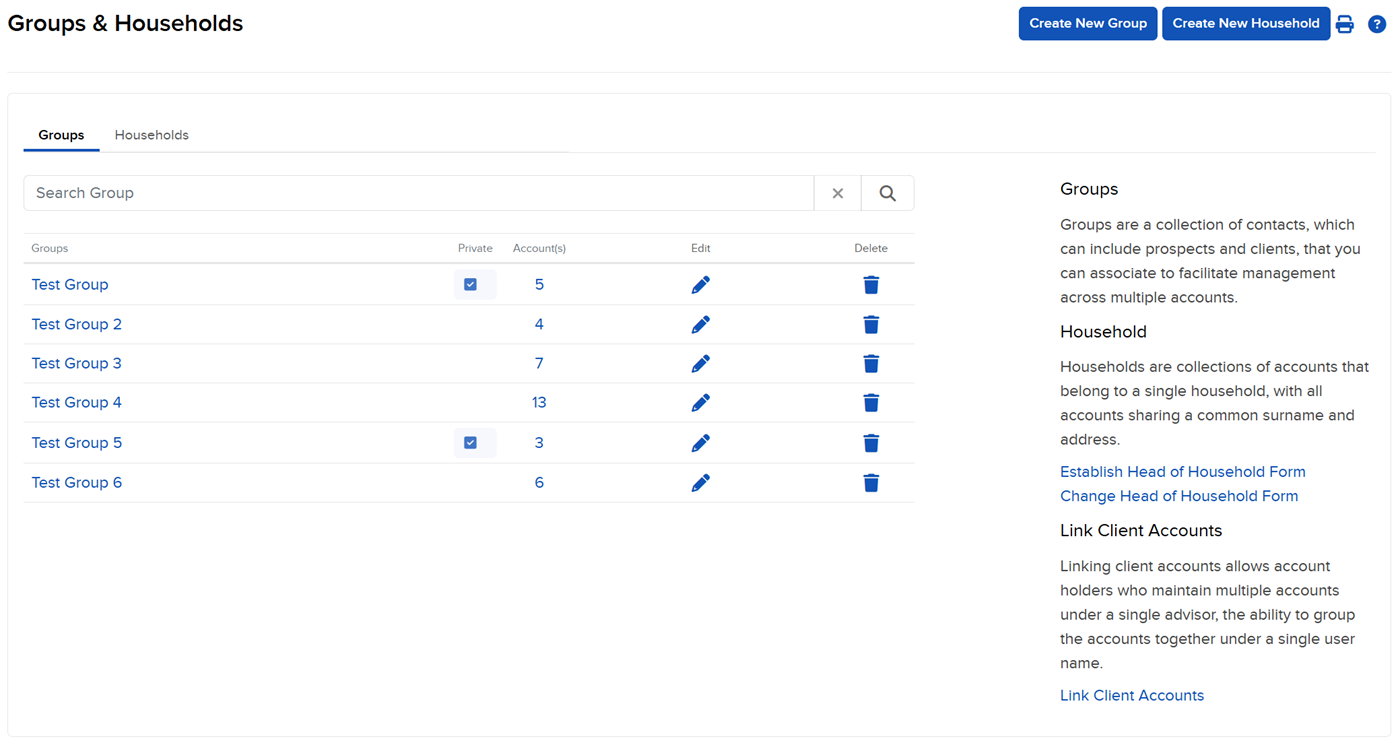
The Groups page opens. This page lists all current groups and their members.
- Click the group name to see a list of its members.
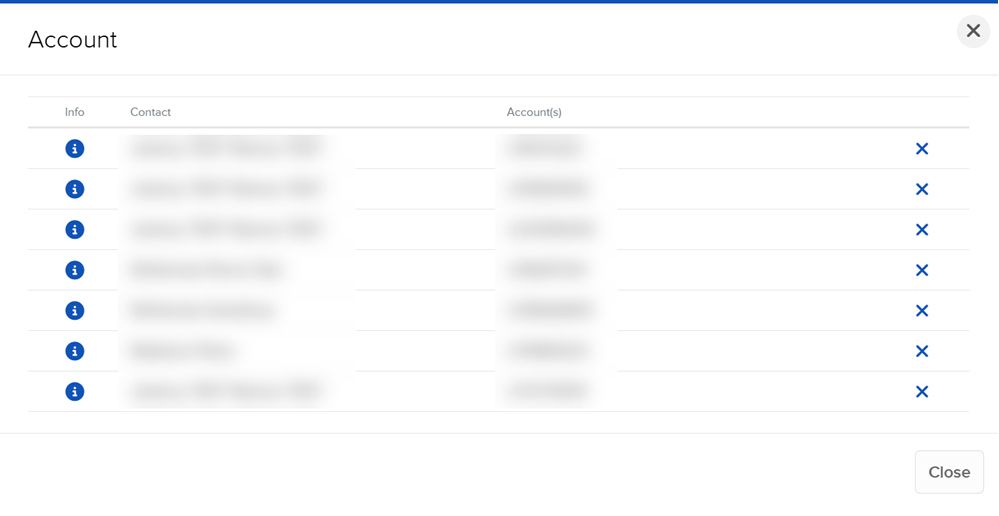
- You can view each member individually by clicking the i information icon on the left.
- To delete a member of a group, click the x icon beside their name.