View current members in Households
Instructions
-
Click Client Administration in the top left corner and select Groups and Households and select the Household tab.
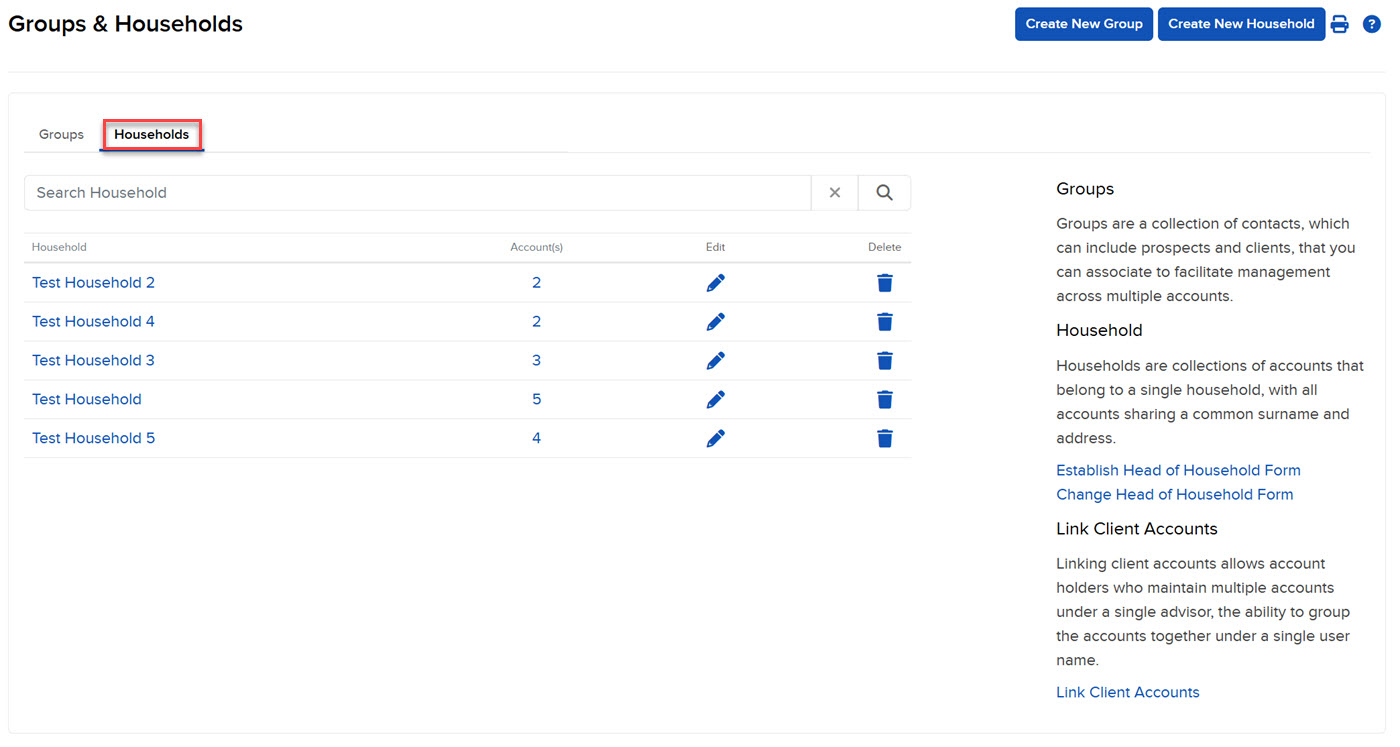
The Households page opens. This page lists all of your current households, along with the members of each household.
-
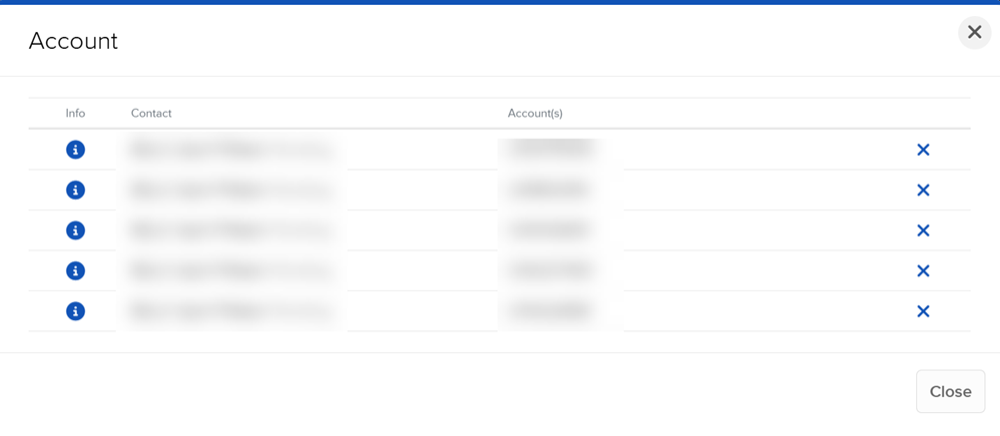
Click the household name to see a list of its members.
-
To view each household member individually click the i information icon on the left.
-
To delete a member of the household, click the x icon next to that member.
-
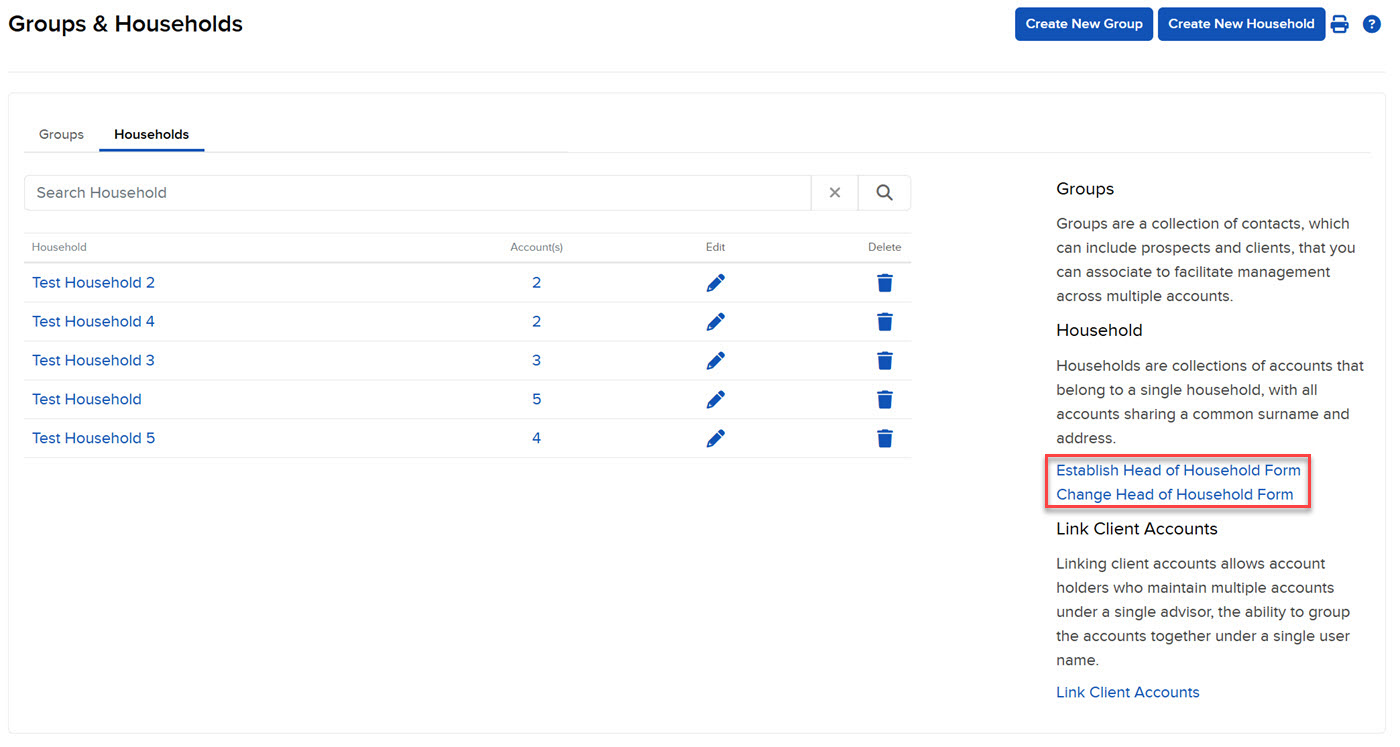
On the right side of your screen under Household, there are two forms:
-
Establish Head of Household Form - This form allows the primary user of the household, called the Head of Household, to view reporting and account information of the other accounts of the household.
-
Change Head of Household Form - Use this form to change the Head of Household.
Click on either form to complete, and follow the directions on each form for submission.
-