Post Trade Allocation
Instructions
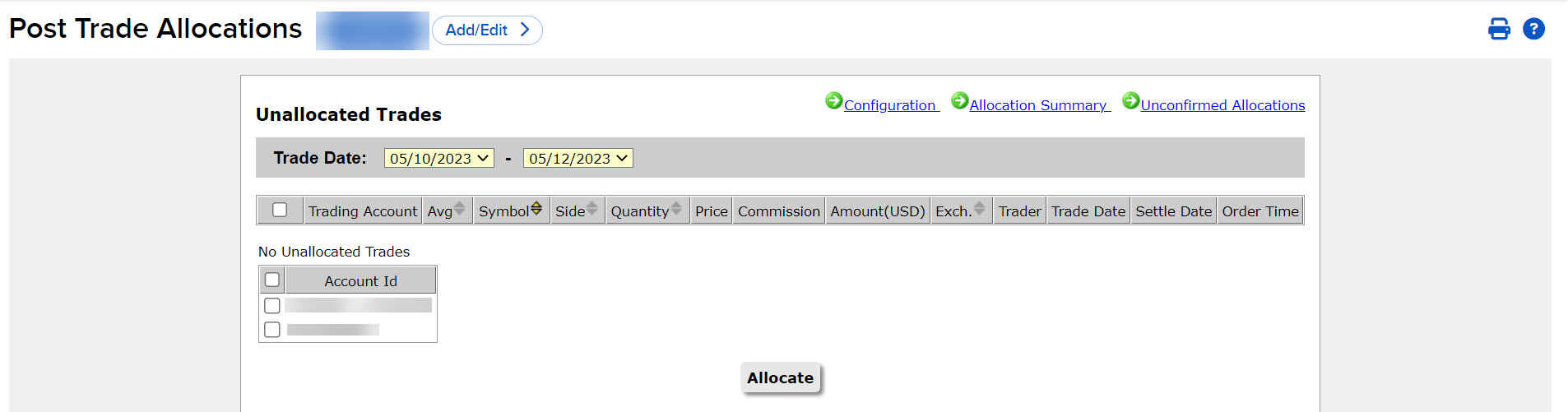
The Post-Trade Allocation tool lists all the day's unallocated trades, and provides customizable template-based functionality to easily allocate all or some of your trades to multiple pre-approved clearing brokers.
Post-Trade Allocation offers the following benefits:
- Allocate trades any time of day:
- Up until 6:00pm ET for equities.
- Up until 15 minutes after the allocation was made (or 5:15 PM ET, whichever comes first) for options.
-
View and select average price trades by order and combine multiple orders into a custom average price.
-
Allocate by percentage or share size.
-
Configure allocation settings and display preferences and broker settings.
To use this tool, follow these steps:
-
Click Trade in the top left corner and select Post Trade Allocation.
-
Select the accounts from the left side.
-
View client account information in the columns on the right side.
-
Select Configuration in the top right corner to configure the layout.
-
Select Allocation Summary to see a summary of allocations.
-
Select Unconfirmed Allocations to view any unconfirmed allocations.
-
-
Select the Allocate button at the bottom of the page.