Run a Report on Required Minimum Distribution
Instructions
The report contains query accounts will display which clients need to make an RMD for the selected tax year.
- Click Statements & Reporting in the top left corner and select Data Queries.
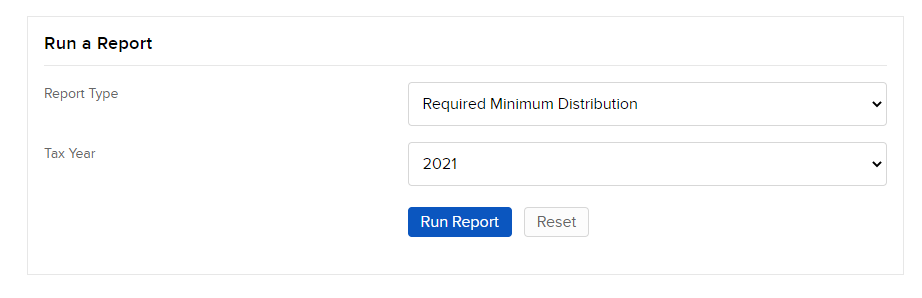
- In Report Type, select Required Minimum Distribution.
-
Enter the following information:
Tax Year: Choose the year for the report.
Format: Choose the report format
- Click Run Report.
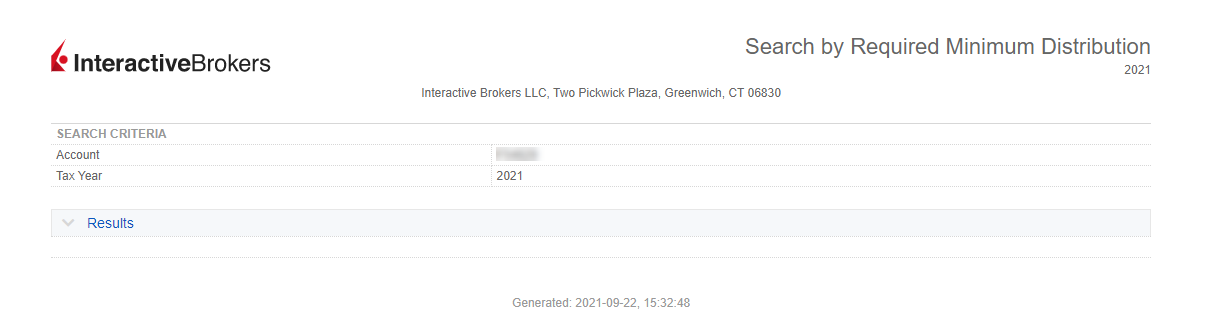
The Required Minimum Distribution Report appears.
-
This report includes the following fields:
-
Account ID
-
Account Title
-
Gross Distribution
-
Net Distribution
-
Cash Withdrawal
-
Internal Transfer
-
Federal Tax Withheld
-
State Tax Withheld
-
Qualified Charitable Donation (QCD)
-