Compliance Tasks
Instructions
The Compliance Tasks tab displays important compliance-related tasks for Advisors and Brokers that require your attention. Incomplete tasks may result in account restrictions for your clients. To navigate to this tool, complete the steps outlined below.
-
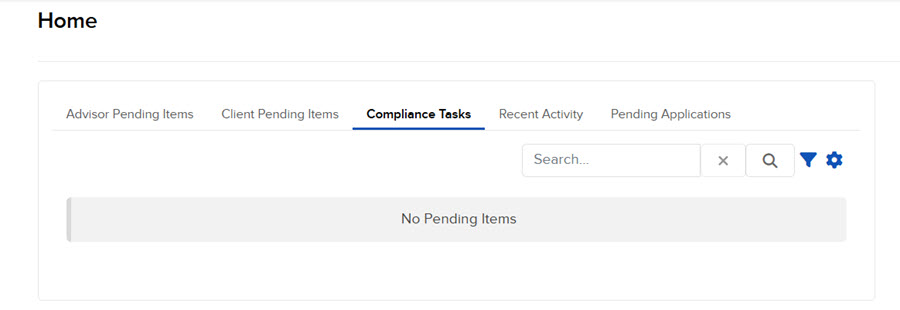
Click Menu in the top left corner > Home > Compliance Tasks tab.
-
The Compliance Tasks will populate on your screen.
-
Search or select a Compliance Task to complete.
-
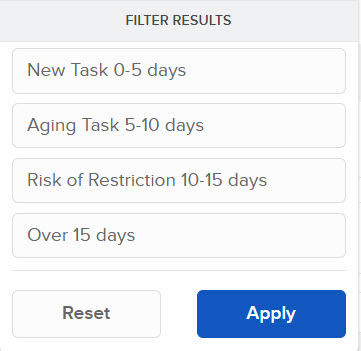
Click the filter icon to filter by
-
New Task (0-5 days)
-
Aging Task (5-10 days)
-
Risk of Restriction (10-15 days)
-
Over 15 days
-
-
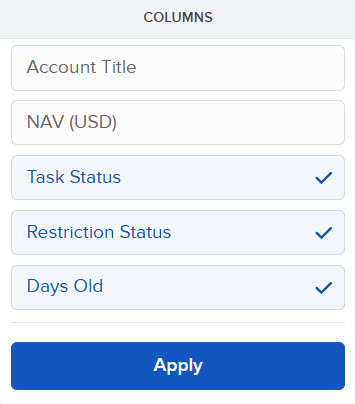
Click the configure wheel icon to add or remove columns