Market Screener 2.0
Instructions
The Screeners menu allows you to search for products based on filtered criteria. To use this tool, please take the steps outlined below.
-
Click the Trade icon at the bottom of your screen.
-
Scroll down and click Market Screener 2.0
-
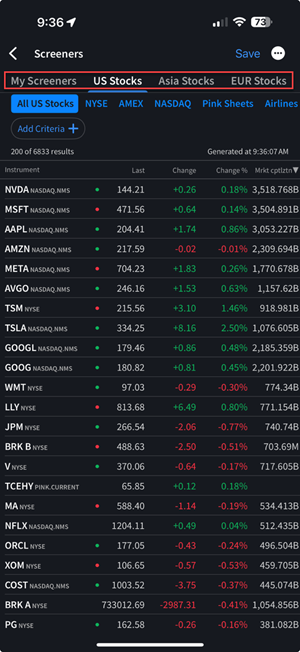
Choose between US Stocks, Asia Stocks, EUR Stocks, ETFs or Options and select the desired exchange.
-
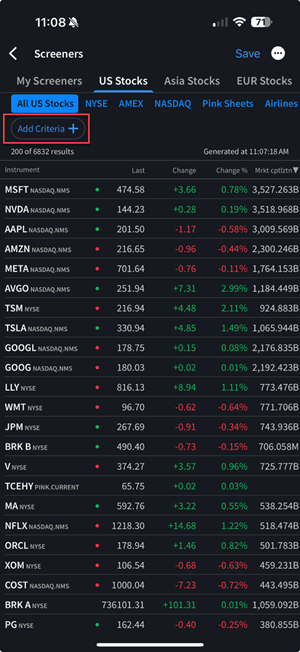
Select your screener type by slecting Add Criteria and select between the options listed below.
-
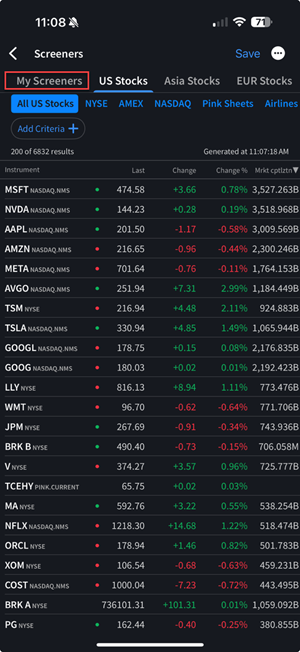
You may select a previously saved screener by clicking the My Screeners tab.