IBKR Mobile for Android 2023 Release Notes
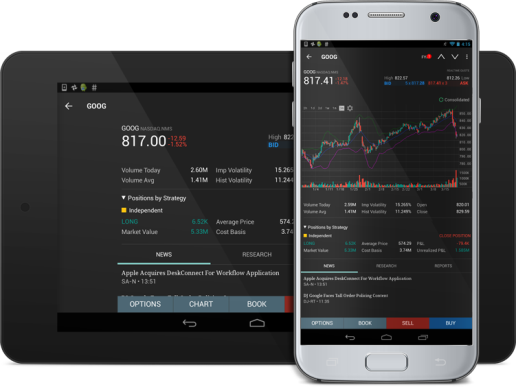
 Build 8.4.741 - December 2023: Portfolio Tabs and Markets page
New Portfolio tabs now consolidate all position-related account and orders content in one place! We’re also excited to introduce the Markets page to help traders discover trading opportunities through news, upcoming events, or market movement. Access Markets from the bottom navigation bar.
Build 8.4.741- October 2023: Trade Screen
Now you can choose how you want to trade. All trade-related functionality has been gathered into the Trade Toolbox, a full page tool. When the trade tab is opened, the Trade icon in the bottom navigation becomes a magnifying glass. Tap to go directly to Search.
Build 8.4.683 - June 2023: Navigation Improvements
Our initial navigation improvement includes a cleaned-up Settings menu with function-specific settings moved to the relevant Overflow menus. You can now reorganize tabs on Portfolio, and access Quote Details from Trade Details.
The reworked Login page is much easier to use, and moves “other” services like authentication and banking from a separate page to directly below the Login button.
Build 8.4.665 - January 2023: Recurring Investments
Put your favorite investments on autopilot with recurring investments in the stocks and ETFs of your choice. Tap “Recurring” in the Trade Launchpad to create investment schedules. Monitor, add, edit, or cancel at any time.
Build 8.4.643 - January 2023: Face Recognition, Discover Tool, Light/Dark Theme
-
You can now authenticate your account with Face recognition on devices that support it.
-
Side navigation now includes all Trading Central data under a new Discover tab.
-
IBKR Mobile now uses the same light/dark color theme as your device.