Recent Activity
Instructions
You can see all funding and application activity from the past five days for all client or fund accounts. If no activity occurred a message to that effect will appear. Like the other tabs on the Dashboard, Recent Activity indicates the number of items currently displayed.
-
Click Dashboard in the top left corner and select the Recent Activity tab.
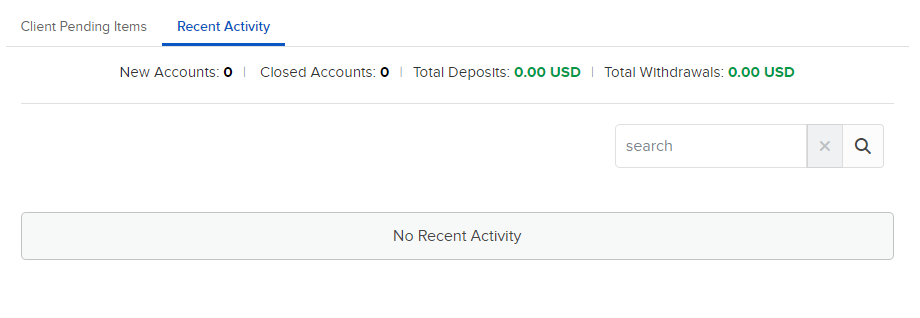
For each activity you see date, account title, account number and username. Activities can include funding, account opening or closing-related activities, and related account changes.
- As on other Dashboard pages use the Smart Search field to quickly locate accounts. Sort the list by any column heading.