Bond Scanner
Instructions
Use the Portal Bond Scanner to find instruments based on price, volume and other criteria. Use assets returned by the scanner to trade, view, or monitor by adding to a Watchlist.
-
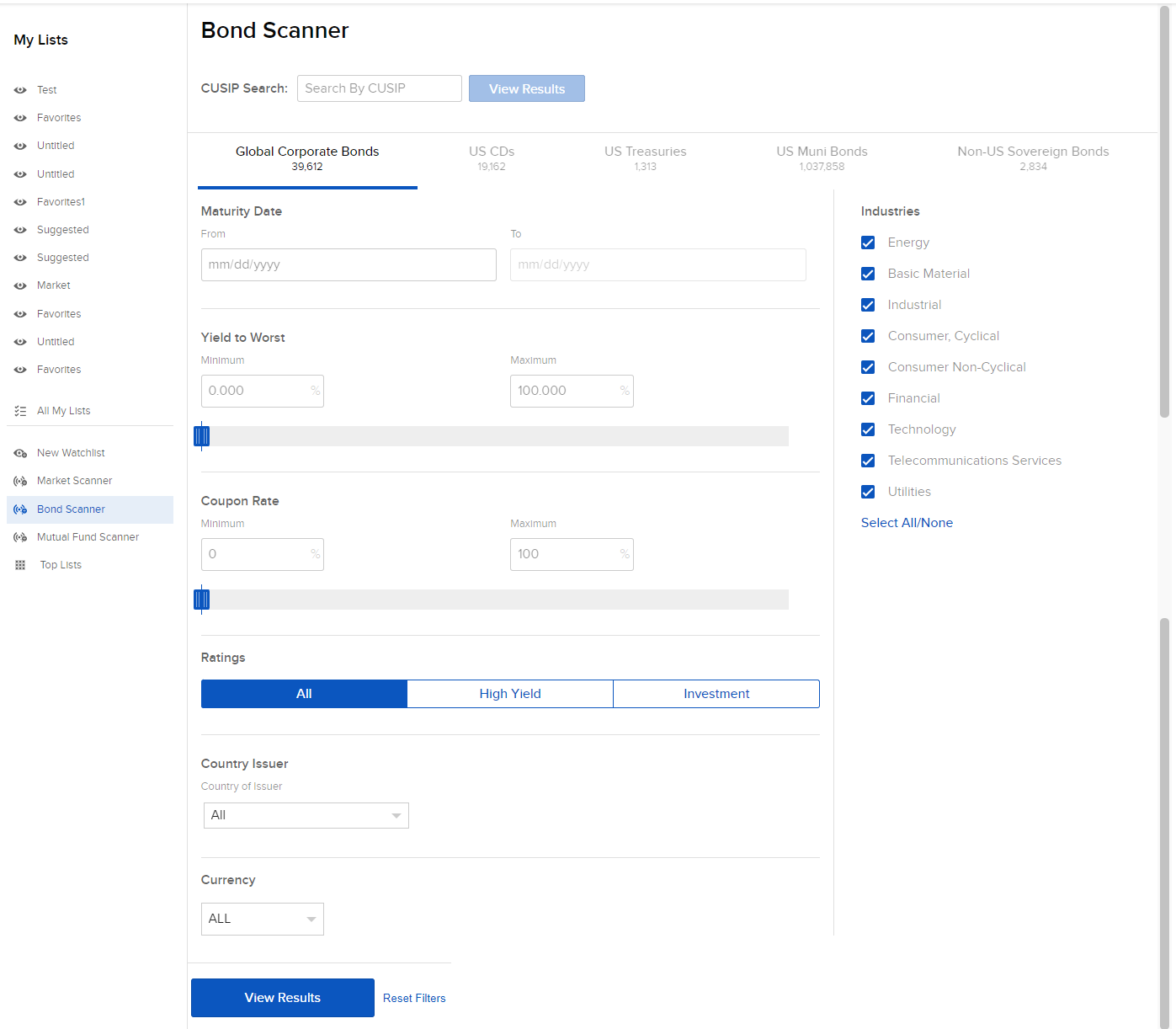
Click the Research tab followed by Bond Scanner.
-
Define the scanner by selecting the CUSIP, Maturity Date, Yield to Worst, Coupon Rate, Rating, Country, and Currency.
-
Click View Results to scan the markets for instruments that best meet filter criteria.