Support Home
Instructions
The Support menu gives you quick access to Client Services. You can create a support ticket, select Customer Service Tools, or search a topic for quick support.
-
Click Support icon on the top right of the screen and select Support Home.
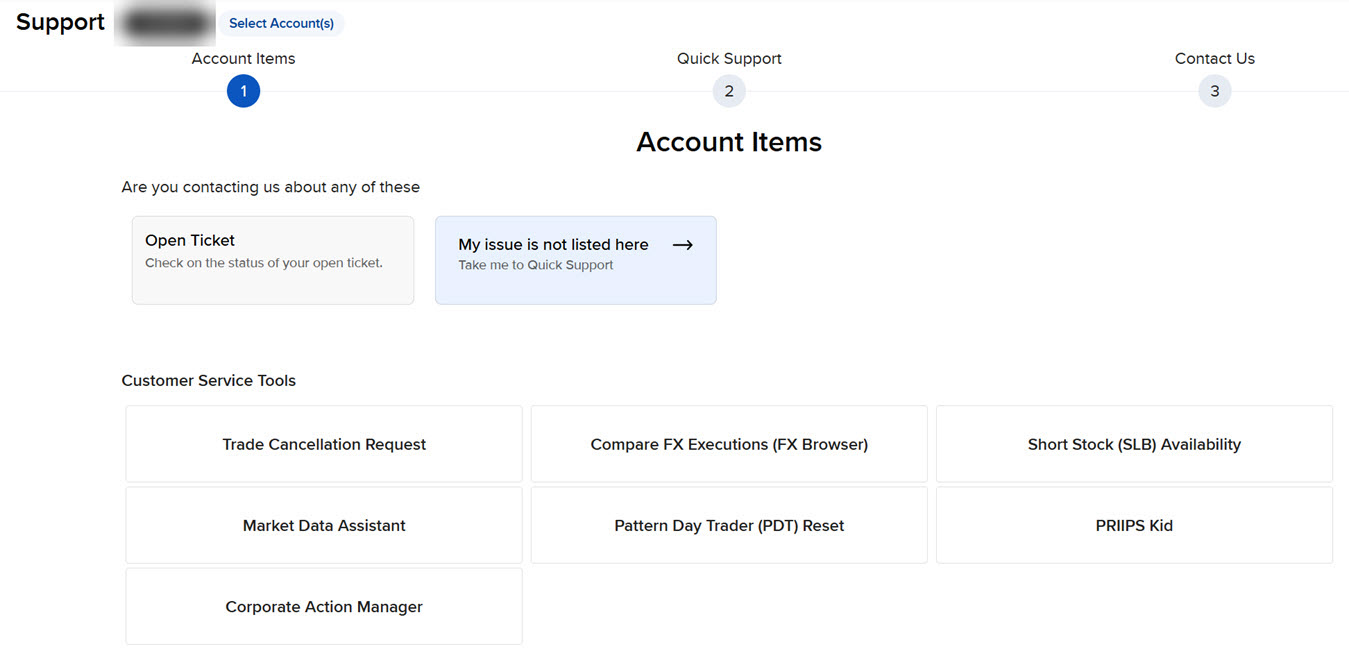
Use the Get Help Menu to:
How to Contact Client Services
You can contact Client Services using any of these methods:
-
Submit a new support inquiry from the Message Center.
From within Client Portal, first click Support, and then click Support Home. At the bottom of the page select Web Ticket > New Ticket.
-
For information about contacting us via phone, email or other methods, see Client Services on our website. The Client Services page includes a list of contact phone numbers, quick tips and other information about contacting us.