Trade
Instructions
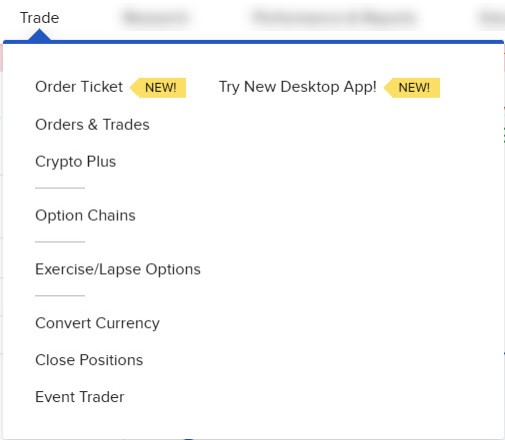
Use the Trade option in Client Portal to trade stocks, options, futures, future options, mutual funds, warrants, CFD's, bonds, commodities, forex, and crypto. Clients can also view orders & trades, convert currency, close positions, subscribe to IPO and set up recurring investments. You may navigate to this page by taking the steps outlined below.
-
Click the Trade tab at the top of your page